
Tracks your agenda
Share your priorities and commitments. Hodman keeps them with the project and can follow up on unfinished work, including tasks you are handling yourself.
Use cases
Each setup combines an application, an agent, project data and the integrations needed to keep doing the work after the first result.
AI teammate
Ask Hodman to review your CRM, research a decision or improve a landing page. It uses project context and tools to do the work, checks the result and brings it back for your review. You can follow the work in the web UI and reply from chat.
Send a task, receive the result and reply with feedback in Telegram, Slack, Microsoft Teams or Mattermost. Open the web UI when you want to inspect files, previews or the task board.
 Telegram
 Slack
Slack Microsoft Teams
 Mattermost
Share your priorities and commitments. Hodman keeps them with the project and can follow up on unfinished work, including tasks you are handling yourself.
See what is queued, in progress or ready to review. Open a task to inspect the work and give feedback without losing the project context.
Let the agent use a CRM or document connection already built in another project. Authorize its project connector once; credentials stay with the project that owns the connection.
The agent reads the output, runs relevant checks and investigates failures. It returns the result with anything that still needs your input.
Accepted decisions and working rules stay in project memory. You can keep improving the workflow without explaining it again at every check-in.
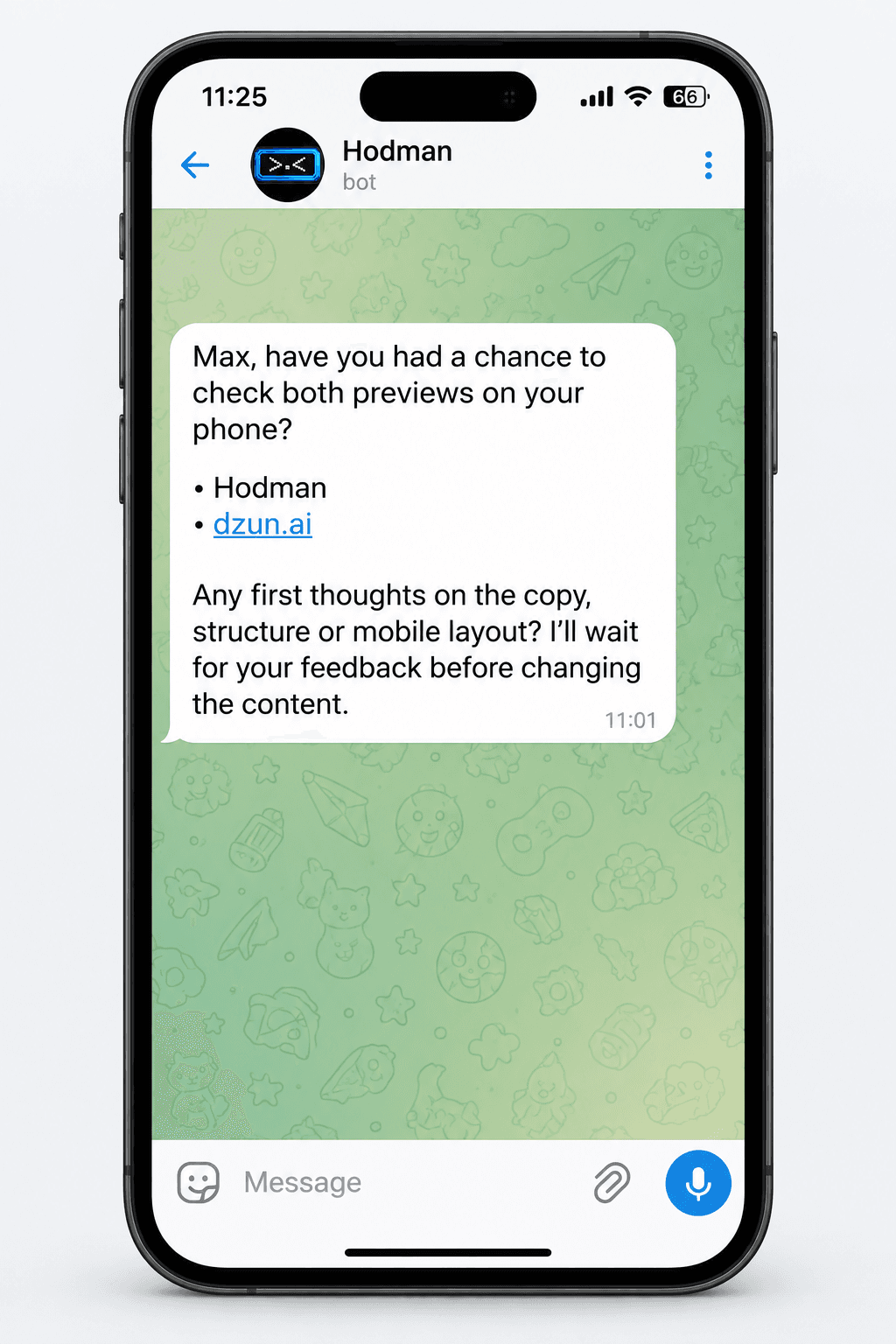
Hodman asks whether you have checked the landing pages on your phone. It waits for your feedback before changing the content.
Landing experiments
Use conversion data to find the message worth keeping. One Hodman project can hold the landing variants, shared analytics, lead routing and the agent that runs the next experiment.
As many landing variants as the experiment needs. One workspace project.
Landing variants live as subprojects inside the experiment system. They do not consume additional workspace project slots, so the Launch plan can hold many pages inside the same project.
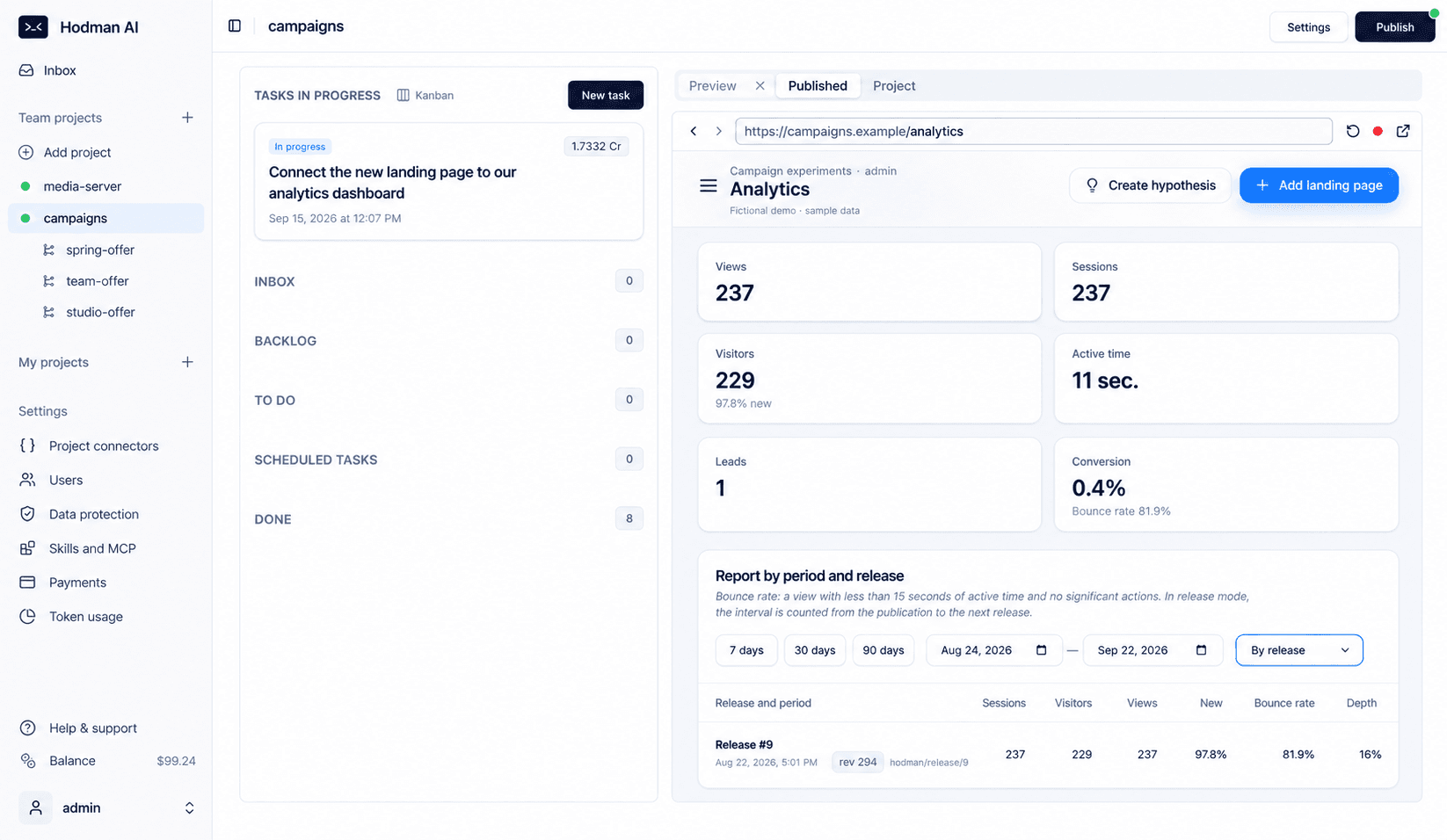
An admin panel shows visits, CTA clicks and leads for each landing page and published release.
Every variant records the same events in the project database, so the comparison stays available to your team and agent.
The project agent summarizes performance, flags weak messages and proposes the next copy or offer to test.
Build notifications for Telegram, email, a CRM or a company webhook. The destination and credentials remain project configuration.
Support incident investigator
Connect the investigator to the channel where tickets arrive, your issue tracker and the technical sources needed to explain what happened.
Code, logs, the product database, release history and the relevant task or support thread stay attached to the investigation. Start with read access and add bounded actions only after the team trusts the loop.
Read the ticket, conversation and known customer impact.
Check logs, data, code and recent releases, then record the evidence.
Return a cause hypothesis, risk and a concrete verification plan.
An engineer or product owner approves the investigation and any change with customer impact.
Change the project, run checks and open the result in preview before release.
For confidential systems, use the hybrid on-premises setup: your team works through Hodman.ai while selected project runtimes and data stay in the company perimeter.
Choose a workflow your team needs. Review the first working result, then add the connections and checks that help you run it over time.